ChatGPT
How the ChatGPT UI changed
- November 16, 2026 — Button icon in the bar across the top changed (circular arrows icon → hat-and-glasses icon)
- November 2, 2026 — Codex removed from the side menu
- October 19, 2026 — Chat removed from the bar across the top; Work removed from the bar across the top
- October 12, 2026 — More renamed to Explore; Upgrade removed from the bar across the top
- October 5, 2026 — Scheduled renamed to Tasks
Design analysis
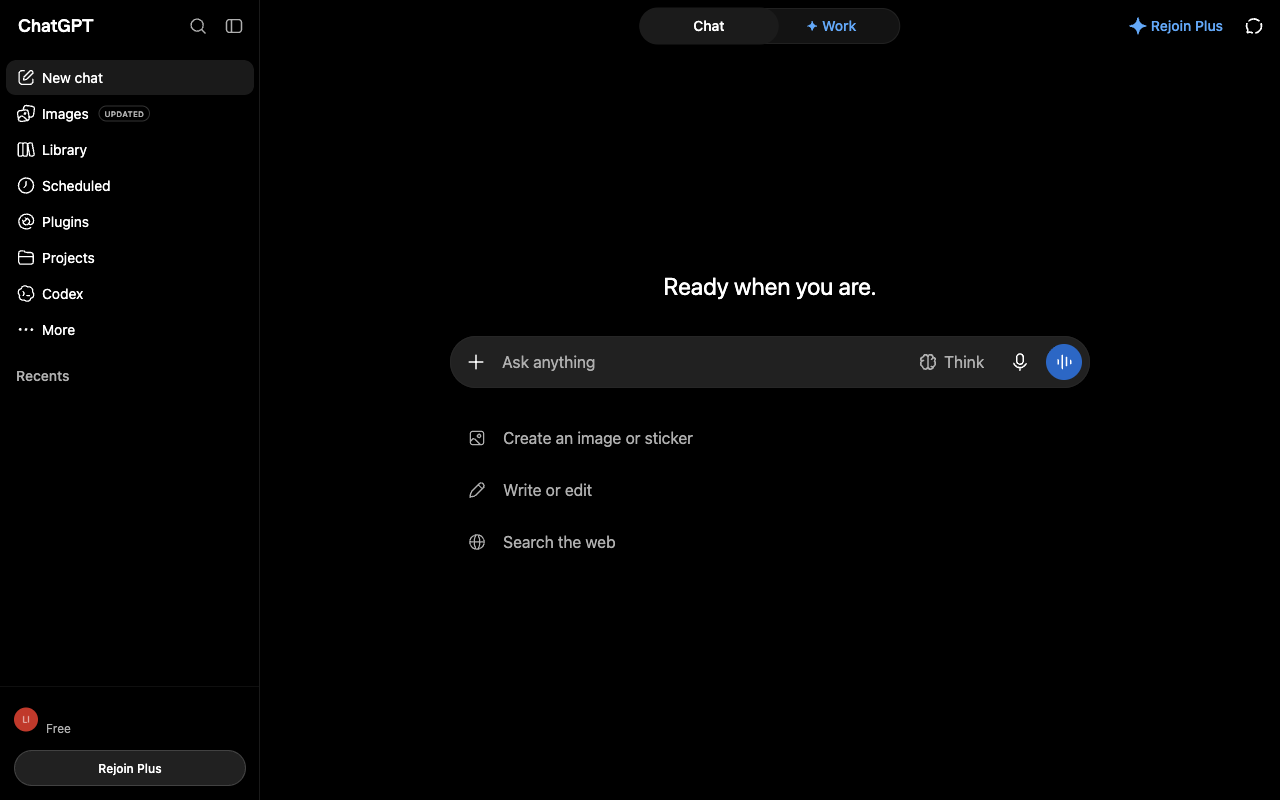
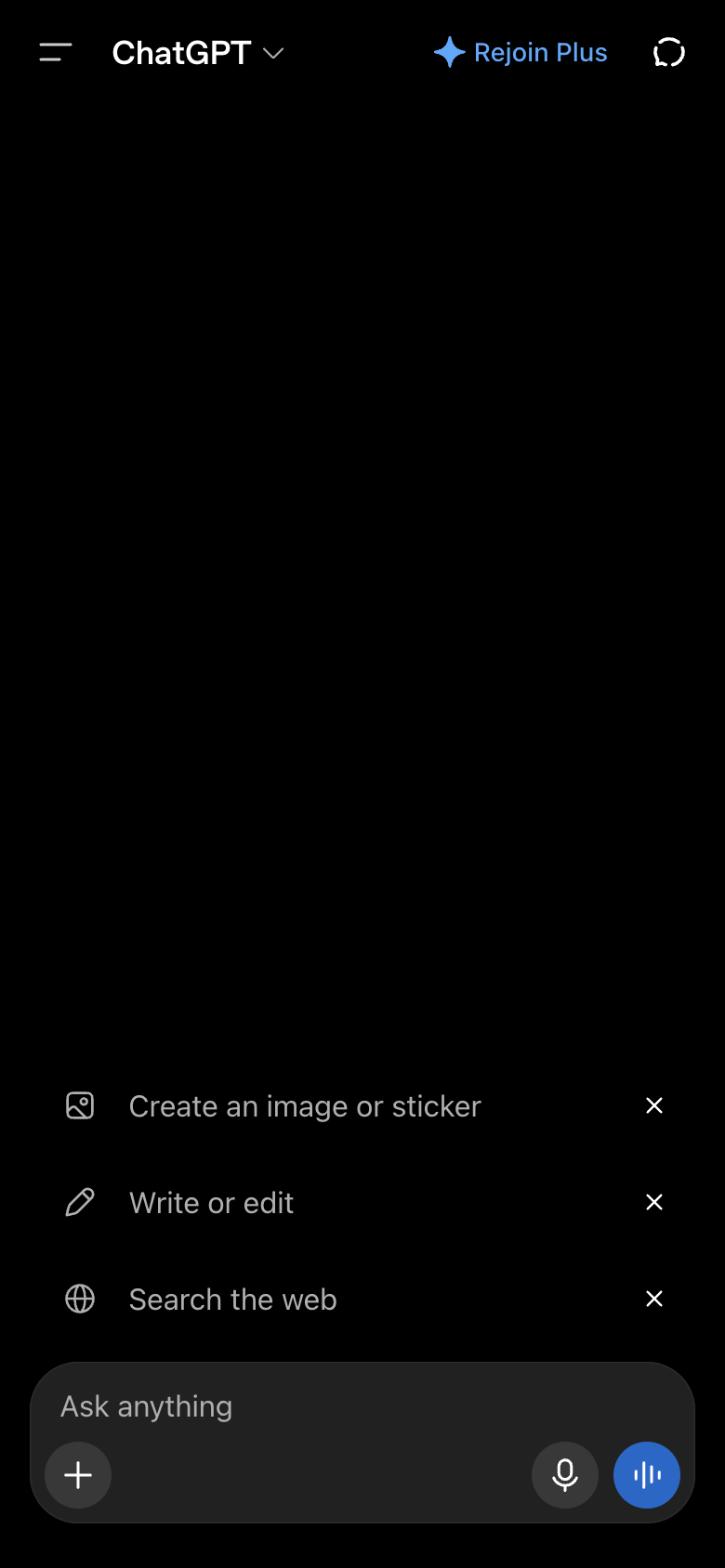
This shows the desktop version of ChatGPT for the week of 2026-09-07, before scrolling. The sidebar takes up about a fifth of the screen width. The message box sits in the middle, under the heading "Ready when you are." The message box is the largest item on the screen. The main text is light enough against the black background to meet a common accessibility guideline. The outline of the message box is faint, but the hint text inside it is easy to read. Three suggested prompts below the box cover images, writing, and searching the web. No note that it can make mistakes is visible on this screen.