Grok vs Kimi: UI comparison
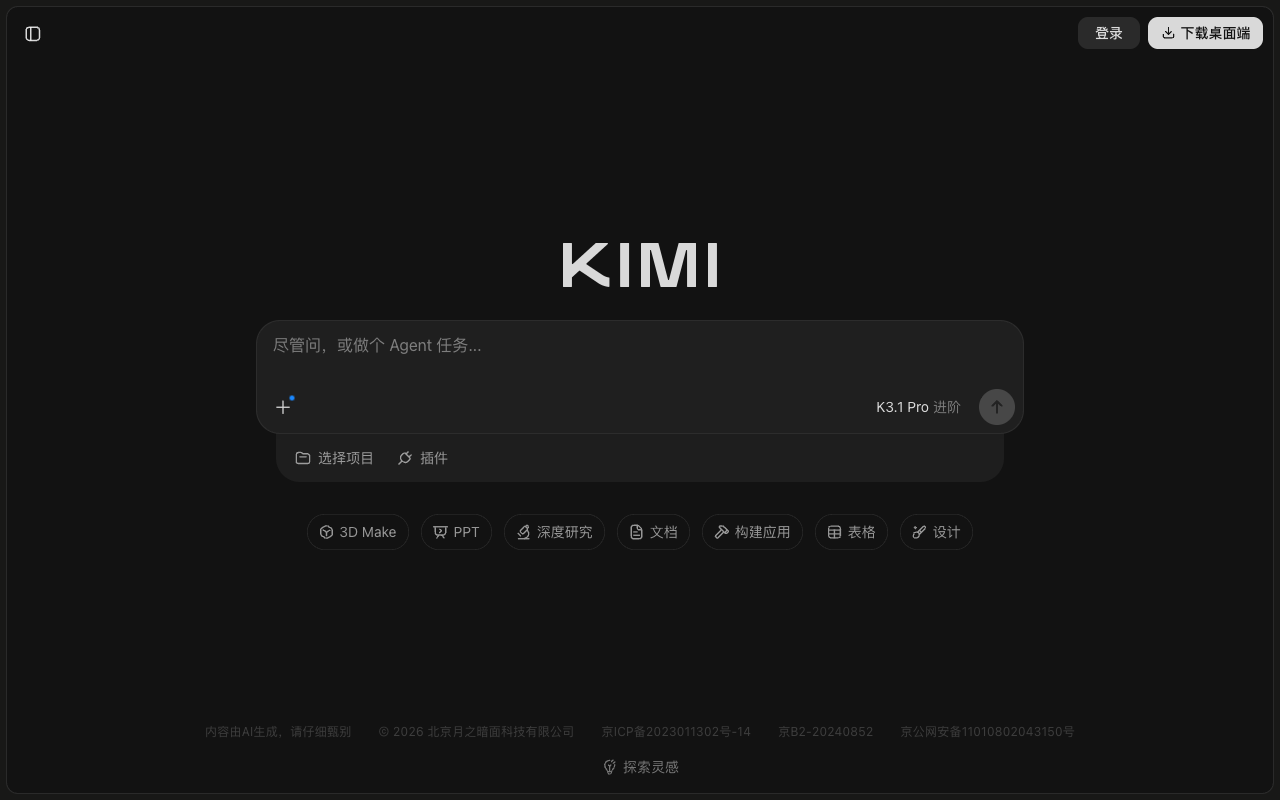
How Grok (xAI) and Kimi (Moonshot AI) compare on a desktop screen in the week of October 19, 2026: 6 differences and 2 similarities, measured from each product's weekly screenshot.
Open in Compare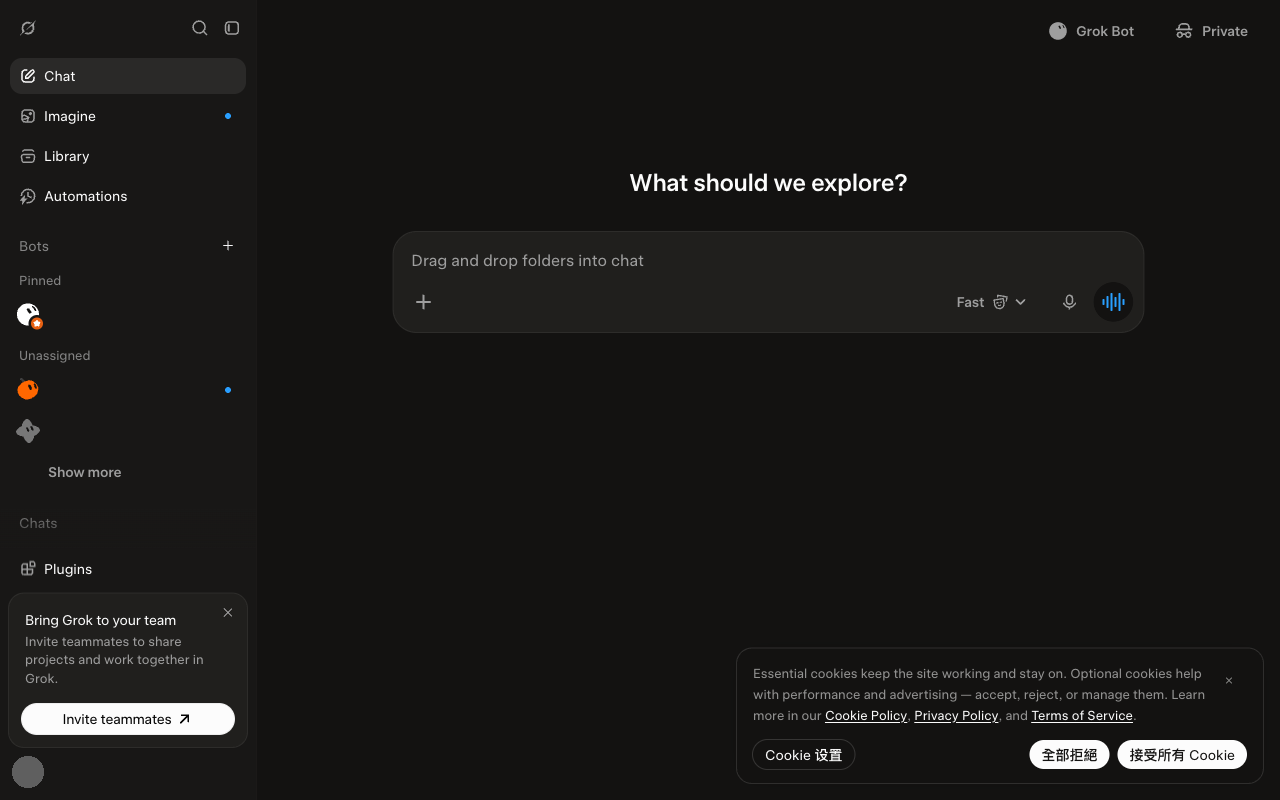
Differences
- Grok shows 3 menu items outside the sidebar; Kimi shows 14.
- Kimi's message box covers more of the screen than Grok's (8.6% vs 7.5%).
- Grok shows more clickable items than Kimi (~25 vs ~18).
- Grok's sidebar takes 20% of the screen width, Kimi shows no sidebar.
- Grok uses 4 text sizes; Kimi uses 2.
- Kimi shows a note about the AI's limits; Grok does not.
Similarities
- Both were captured in dark mode.
- Both message boxes sit in the middle third of the screen.
Latest menu changes
Grok
No menu changes have been recorded for Grok yet.
Kimi
Week of October 19, 2026, compared with the week of October 12, 2026:
- A new 3D Make item appears in the input area.