Gemini
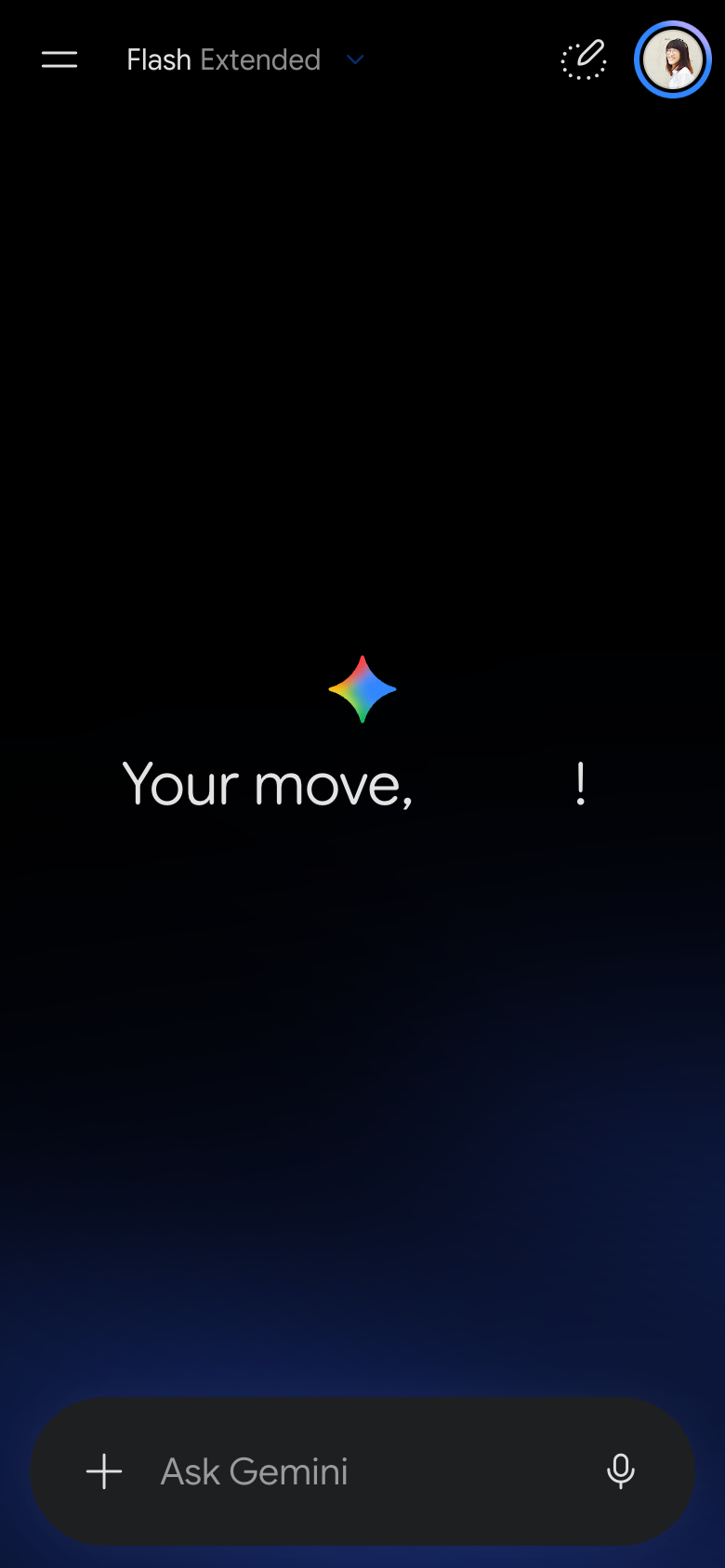
How the Gemini UI changed
- November 16, 2026 — Chat added to the message box; Task added to the message box
- October 12, 2026 — Icon button (diamond icon) removed from the side menu; Icon button (clock icon) added to the side menu; Icon button (hexagon icon) added to the side menu
Design analysis
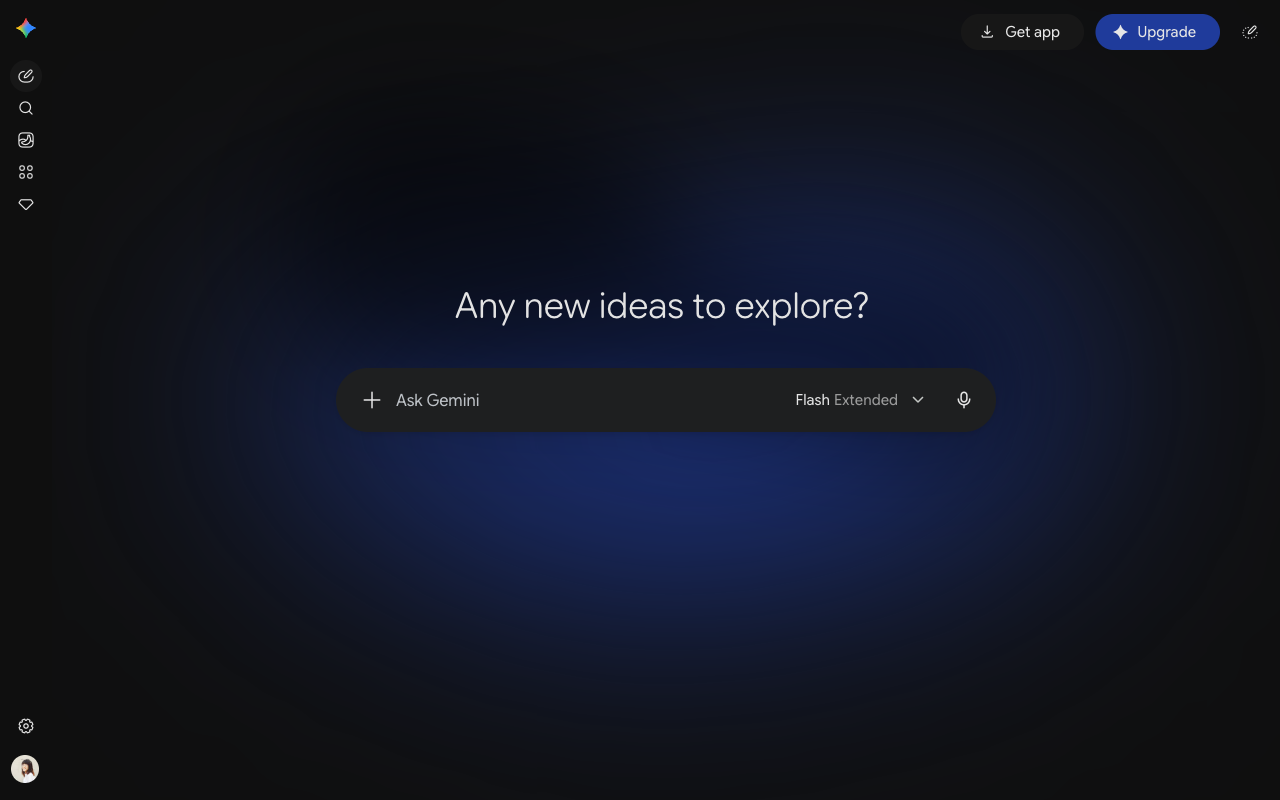
This shows the desktop version of Gemini for the week of 2026-09-21, before scrolling. A narrow column of icons without text labels runs down the left edge of the screen. The large question in the middle stands out most, with the message box just below it. A blue Upgrade button in the top right corner is the only brightly colored button. Even the dimmest text is light enough against the dark background to meet a common accessibility guideline. The message box has no visible outline, but the hint text inside it is easy to read. You start in the message box, which has a plus-shaped button, a model picker and a microphone-shaped button. There are no suggested prompts and no visible note that it can make mistakes.